Create OpenRouter Accounts via CLI with Stripe Projects

We partnered with Stripe Projects so your coding agent (or you) can set up an OpenRouter account from the command line. One command creates the account, generates an API key, wires up billing through Stripe, and drops the credentials into your .env. Your app is ready to call any of 300+ text, image, video, and audio models without opening a browser.
You'll first need to install the Stripe CLI, then run:
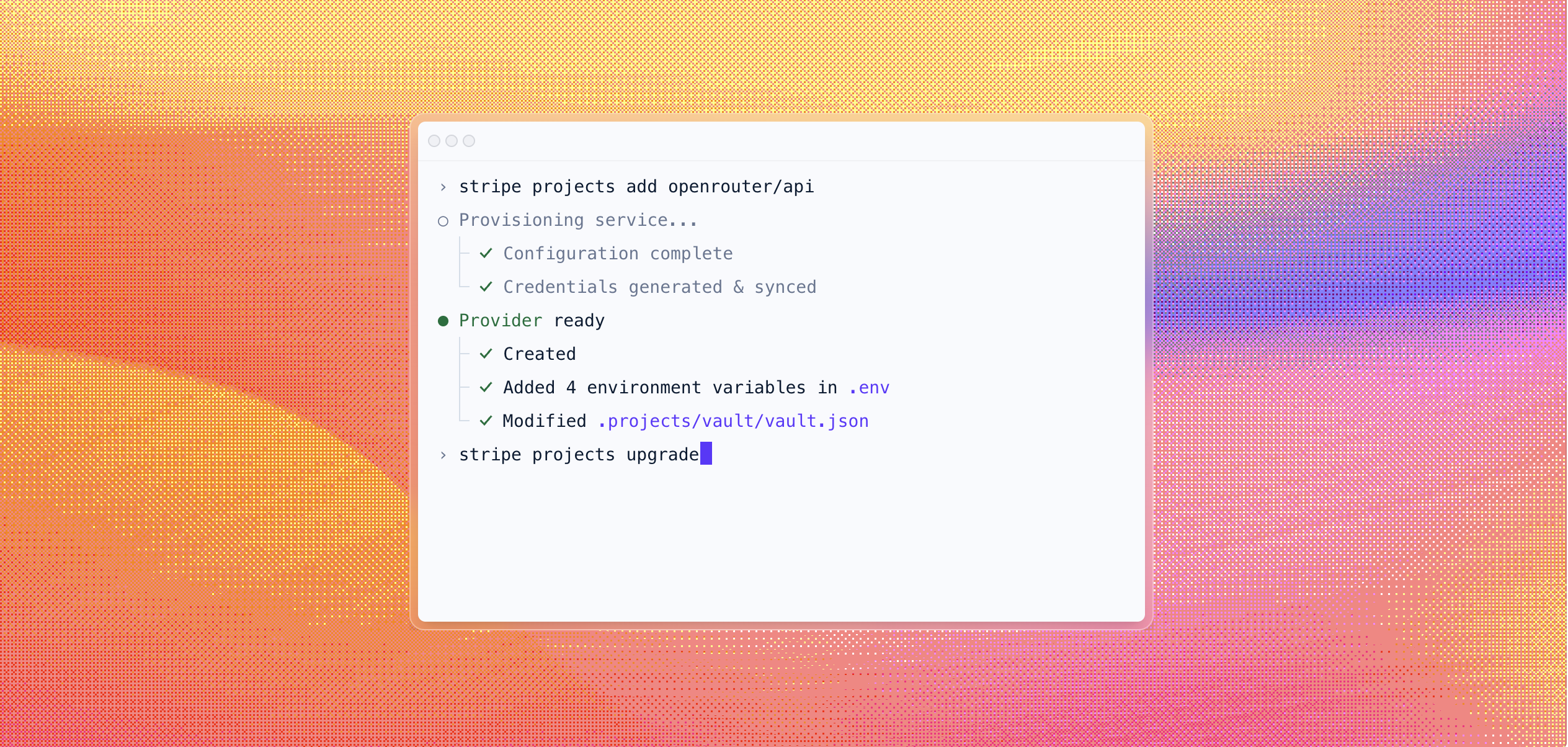
Your account is automatically provisioned and you're issued an API key
Stripe Projects handles the full provisioning flow:
- Account creation. A new OpenRouter account is created and linked to your Stripe identity. If you already have an OpenRouter account, you can connect it instead.
- API key generation. A fresh key is generated and stored in your project's encrypted vault (
.projects/vault/vault.json), then synced to your.envasOPENROUTER_API_KEY. - Billing setup. Your Stripe payment method is attached to the OpenRouter account. You can start on the free tier (no credit card required) or go straight to pay-as-you-go with per-token pricing across all models.
No signup forms, no dashboard clicking, no copying keys between tabs.
Let your coding agent provision your account
If you're building with a coding agent, your agent can already write code, install packages, and configure services. The one thing it couldn't do was create the accounts those services need.
The credentials are stored securely and scoped to the project, so there's no risk of an agent leaking keys across environments.
Link existing accounts
Already using OpenRouter? You don't need a new account every time. When you run the command, you can choose to link your existing OpenRouter account instead of creating a fresh one. Your current API keys and billing stay as they are; the CLI just connects everything to your Stripe Projects setup for easier credential management.
One CLI for your whole stack
OpenRouter is one of 20+ providers available on Stripe Projects today. You can wire up your entire app stack from a single tool:
All credentials sync to your .env. All billing goes through your Stripe account. And all of it works from the command line, whether you're typing the commands or your agent is.
Browse the full provider catalog at projects.dev/providers.
Each project is a lightweight manifest of the services, provider accounts, and credentials your app needs, all backed by Stripe. The setup is repeatable across machines and teammates: onboarding a new engineer or switching laptops becomes stripe projects env --pull instead of a scavenger hunt through Slack messages and old .env files. Credentials stay auditable and scoped, so agents and humans work from the same source of truth.
Get started
- Install the Stripe CLI and the Projects plugin:
stripe plugin install projects - Run
stripe projects add openrouter/api - Pick a tier (free or pay-as-you-go) and start calling models